
.jpg)
WooCommerce print on demand
Run your WooCommerce store. Let us fulfil every paid order.
Connect WooCommerce to Two Fifteen, create products for the store you control and send paid orders into production without building your own print and packing operation.
From product idea to customer delivery
.jpg)
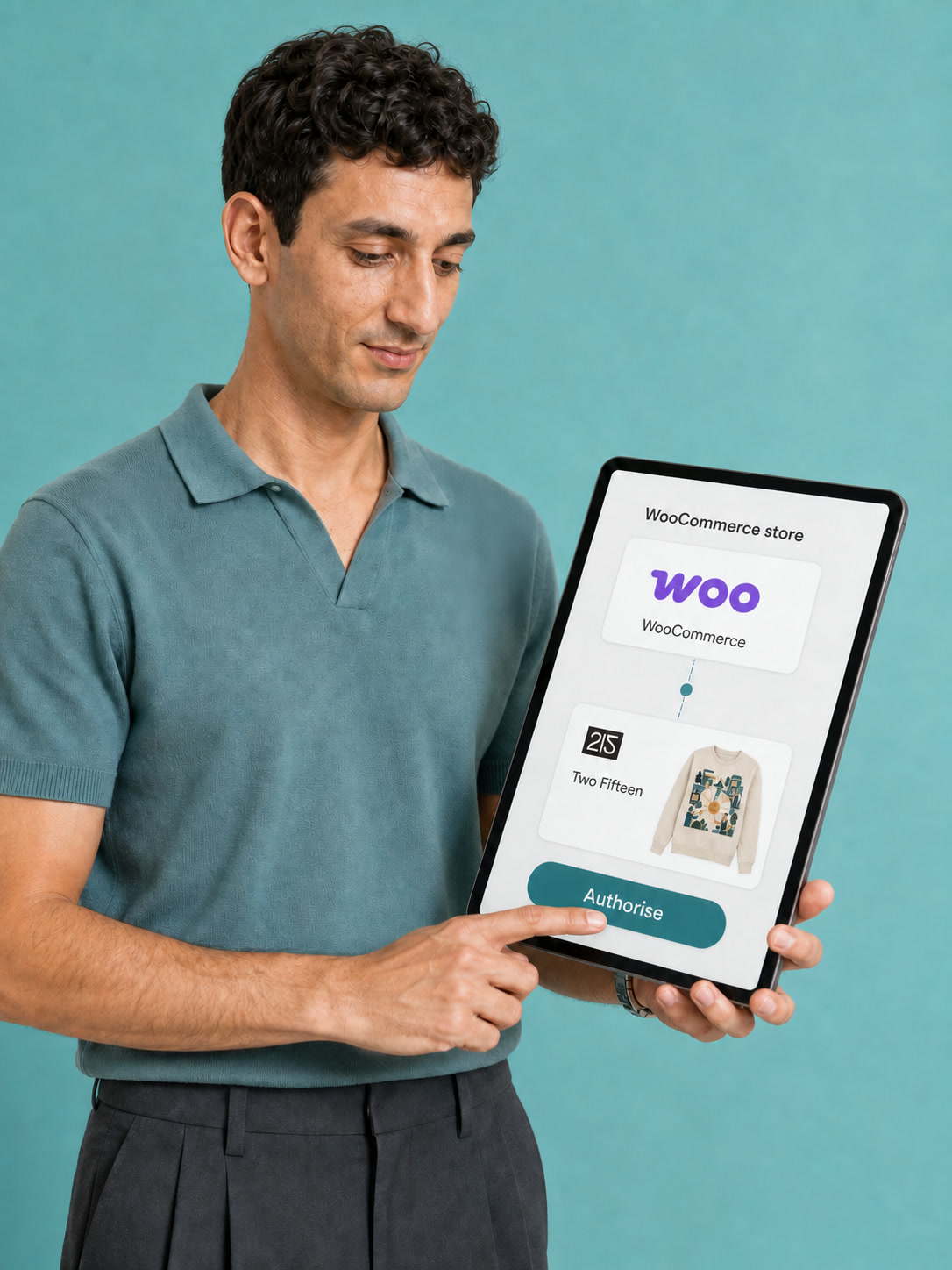
Connect WooCommerce
Open the WooCommerce integration from your Two Fifteen account, sign in to your store and authorise the connection.
.jpg)
Create and export products
Build products with your artwork, choose the details and variants you need, then export them to WooCommerce.
.jpg)
Sell and pay for the order
Your customer orders through WooCommerce. Pay manually, or use automatic payments when the setting is enabled and your Two Fifteen account has enough credit.
.jpg)
We fulfil for your customer
Once paid, the order enters production. Two Fifteen prints, packs and dispatches it directly to your customer.
Your store, your selling decisions
WooCommerce stays where you shape the customer experience.
The integration moves product and order information between your store and Two Fifteen, while the commercial choices in your WooCommerce shop remain yours.
Shape the product page
Set the title, description, imagery and resale price your customer sees. Those listing details can be edited in WooCommerce after export.
Publish now or later
Export a product as published or keep it as a draft while you finish the store page.
Set customer shipping
Configure the shipping zones and rates shown at checkout. The amount your customer pays can differ from the Two Fifteen shipping charge.
Choose how paid orders reach production
WooCommerce sends the order; payment releases it to the production queue.
You can review and pay received orders manually. For a more automatic route, enable automatic payments and keep enough credit in your Two Fifteen account. Eligible incoming orders can then be paid from that balance and enter production.
If the balance is not sufficient, the order waits in the unpaid queue until you add credit and pay it. This keeps the production trigger clear instead of implying that every sale starts production unconditionally.
Read the WooCommerce setup guides.jpg)
WooCommerce tools that keep the work connected

Store authorisation
Connect from your Two Fifteen integrations area and authorise the WooCommerce store you want to use.

Product builder
Upload artwork, position it on the product and review a mockup before creating the item.
Product export
Send product details and mockups to WooCommerce instead of rebuilding each listing from scratch.
Sizes and colours
Choose the variants you want to export, with at least one variant required before import.
Listing control
Continue editing the product title, description, imagery and resale price in WooCommerce after export.

Payment choice
Pay orders manually or enable automatic payment when sufficient account credit is available.

Brand details
Use branded packing slips and printed inside neck labels on suitable T-shirts; Two Fifteen does not make swing tags.

Worldwide delivery
Sell to customers in more than 230 countries and territories, with shipping choices depending on the destination.
Keep your brand in the parcel
Fulfilment can stay behind the scenes while your identity reaches the customer.
Set up a brand profile and add your details to the packing slip included with orders. Suitable T-shirts can also use a full-colour inside neck label printed directly onto the inner fabric.
Inside neck labels are not available for every garment, and Two Fifteen does not make swing tags. Choose the branding route supported by the product rather than promising the same finish across the whole catalogue.
See how Two Fifteen works.jpg)
WooCommerce print-on-demand questions
How do I connect WooCommerce?
Register or sign in to Two Fifteen, open your account integrations area, choose WooCommerce, sign in to the store and authorise the connection.
Can I connect more than one WooCommerce store?
One Two Fifteen account can be connected to one WooCommerce store at a time. Connecting a different store unlinks the products from the first store; a separate Two Fifteen account is the documented workaround.
Do WooCommerce orders enter production automatically?
Only after payment. You can pay manually, or enable automatic payments so eligible orders use your Two Fifteen account credit when enough balance is available.
Can I edit a product after exporting it?
You can edit listing details such as the title, description, imagery and resale price in WooCommerce. Avoid changing linked variant details without checking the current guide, because that can affect the product link.
Who sets the shipping price my customer sees?
You configure WooCommerce shipping zones and customer-facing rates. Two Fifteen’s shipping charge is separate, so you can decide whether to mirror it, charge another amount or offer free shipping.
Can orders include my branding?
You can use branded packing slips and printed inside neck labels on suitable T-shirts. Two Fifteen does not make swing tags, and not every garment supports an inside neck label.
For connection, product export, payment and shipping setup, use the current WooCommerce Help Centre collection.
Read the WooCommerce guides